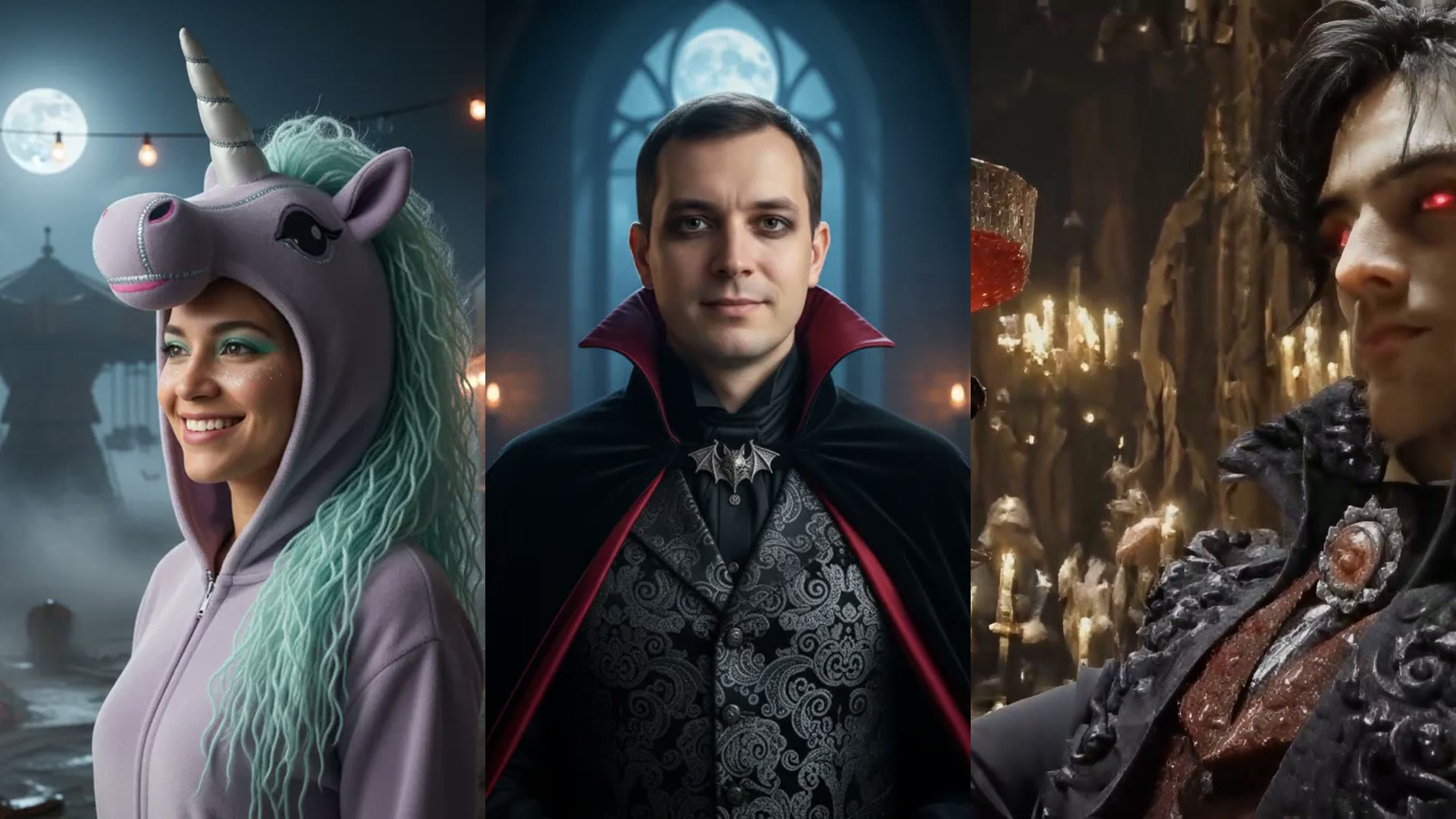

Summary
Compare Anime4K and Real-ESRGAN for video upscaling, including which model works better for anime, live-action footage, old videos, and noisy source files.
TL;DW
- Verdict: use Anime4K for anime, line art and illustrated footage, and Real-ESRGAN for live-action video, old recordings and natural scenes.
- Anime4K: protects outlines and flat colors; on camera footage it can make edges look too graphic and flatten texture.
- Real-ESRGAN: handles skin, hair, fabric, foliage and noisy archival footage; on clean anime it can add grain around lines.
- Test both for: mixed live action and animation, stylized game footage or cel-shaded 3D renders, using a short side-by-side sample.
- Resolution vs model: a clean 1080p export with the matching model usually looks better than a harsh 4K export with the wrong one.
- No-install option: as of 2026, VideoUpscaler runs neither; it uses FlashVSR on cloud GPUs for anime and real footage, with 1080P, 2K or 4K output.
If you are choosing between Anime4K and Real-ESRGAN, the fastest answer is this: use Anime4K for anime, line art, and illustrated footage, and use Real-ESRGAN for live-action video, old recordings, and natural scenes.
Both are strong AI upscaling models, but they solve different visual problems. When people get disappointing results, it is often because the model does not match the footage.
Skip the Anime4K vs Real-ESRGAN choice: try FlashVSR on your clip
VideoUpscaler runs one diffusion video model for anime and live action on cloud GPUs. Upload a sample and judge it against your local results; new accounts get 10 credits.
Quick comparison
| Model | Best for | Strength | Watch out for |
|---|---|---|---|
| Anime4K | Anime, cartoons, cel shading, line art | Clean edges and preserved outlines | Can look unnatural on live-action footage |
| Real-ESRGAN | Film, vlogs, weddings, old clips, natural scenes | Better texture reconstruction for real footage | Can be too aggressive on very clean anime lines |
What Anime4K is best at
Anime4K is designed for footage with:
- strong outlines
- flat color regions
- illustrated characters
- clean shape boundaries
- stylized backgrounds
That makes it a strong fit for:
- classic anime episodes
- animated clips
- cel-shaded gameplay
- motion graphics with sharp edges
Why it works: Anime4K is better at protecting line integrity. Instead of treating every soft edge like photographic texture, it keeps the frame cleaner and more graphic.
What Real-ESRGAN is best at
Real-ESRGAN is better for footage that behaves like real camera video.
That includes:
- family videos
- weddings
- travel footage
- YouTube vlogs
- documentaries
- old digital or camcorder recordings
Why it works: Real-ESRGAN handles natural textures more convincingly, including hair, fabric, buildings, foliage, and imperfect lighting.
Which model should you use for anime?
For anime, start with Anime4K in most cases.
It is usually the better fit when your footage has:
- character outlines
- flat color blocks
- minimal natural camera noise
- stylized motion
Real-ESRGAN can sometimes over-texture anime and make it look noisy, especially in clean scenes with strong line art.
Which model should you use for old videos?
For old home videos, archival footage, wedding videos, and live-action uploads, Real-ESRGAN is usually the safer choice.
That is because old real-world footage contains:
- sensor noise
- uneven lighting
- soft optical detail
- natural textures
- compression artifacts
Real-ESRGAN tends to interpret those frames more naturally.
Edge cases where the answer is less obvious
Some footage sits in the middle.
Use Anime4K first if:
- the video is animation, even if compressed
- the footage has crisp illustrated edges
- the goal is to keep lines smooth and stable
Use Real-ESRGAN first if:
- the footage was captured by a camera
- the scene includes skin, hair, wood, grass, or fabric
- the source is noisy or archival
Test both if:
- the footage mixes live action and animation
- it is heavily stylized game footage
- you are working with cel-shaded 3D renders
In those mixed cases, the best choice often comes down to a short side-by-side test.
What happens when you choose the wrong model
If you use Anime4K on real footage, you may see:
- edges that look too graphic
- unnatural textures
- flattened detail
If you use Real-ESRGAN on anime, you may see:
- extra grain around lines
- over-detailed faces
- less stable outlines
Neither model is universally "better." The right model is the one that matches the visual structure of the source.
A practical model-selection workflow
If you are unsure, use this process:
- Identify whether the footage is illustrated or camera-captured
- Export a short sample with the first model choice
- Review faces, edges, and motion
- If the output looks artificial, test the other model
- Keep the version that looks more natural in motion, not just in a still frame
This takes a few minutes and prevents long full-file exports with the wrong model.
Export a short sample here before the full file
Upload 10 to 20 seconds with faces, edges and motion, then review it in motion. No install, no GPU.
Which model is better for 4K output?
The answer depends on the source.
- Anime4K + anime source can look excellent at 4K because line art scales very well
- Real-ESRGAN + real footage is usually stronger for live-action 4K exports
The output resolution matters less than the source-model match. A clean 1080p export with the right model usually looks better than a harsh 4K export with the wrong model.
How VideoUpscaler fits in
VideoUpscaler does not use Anime4K or Real-ESRGAN. It runs FlashVSR, a diffusion-based video super-resolution model, on cloud GPUs:
- one model for both anime and real-world footage, so there is no model to pick
- output at 1080P, 2K, or 4K
That makes it useful for creators who work across different footage types and want to test quickly in the browser without installing anything. If you specifically want Anime4K or Real-ESRGAN, both are open-source projects you can run on your own hardware.
Compare the no-install option on your own footage
Three output sizes at 1, 2 or 3 credits per second. Results carry a small watermark until your first purchase.
FAQ
Is Anime4K better than Real-ESRGAN?
Not in general. Anime4K is better for anime and illustrated footage. Real-ESRGAN is better for most real-world video.
Can Real-ESRGAN upscale anime?
Yes, but it may add texture where clean lines should stay simple. For classic anime, Anime4K is often the better starting point.
Can Anime4K work on live-action video?
It can, but the result often looks less natural than Real-ESRGAN on camera footage.
Which model should I use for wedding videos?
Real-ESRGAN is usually the safer choice because wedding footage contains natural textures, skin, lighting variation, and camera noise.
Where can I test an alternative to both?
Anime4K and Real-ESRGAN are open-source and run locally. If you would rather not install anything, you can upload a short sample to VideoUpscaler, which uses FlashVSR in the cloud. New accounts get 10 free credits (free results carry a small watermark), and the pricing page lists the plans and credit packs.