
Fix Pixelated Video Online with AI
Fix pixelated video in your browser: upload a clip full of blocky squares from heavy compression, a chat app or a low-bitrate stream, and the AI model smooths the blocks and rebuilds the detail underneath, frame by frame. You get it back at 1080P, 2K or 4K with colors and audio unchanged.
New accounts get 10 free credits. Try it now.


Drop in a pixelated clip and see the blocks disappear.
MP4, MOV, MKV or WebM up to 500 MB

Our AI upscaling tools are used by people at





Fix pixelated video of faces, fur, leaves, skies, water and anime
Faces and skin
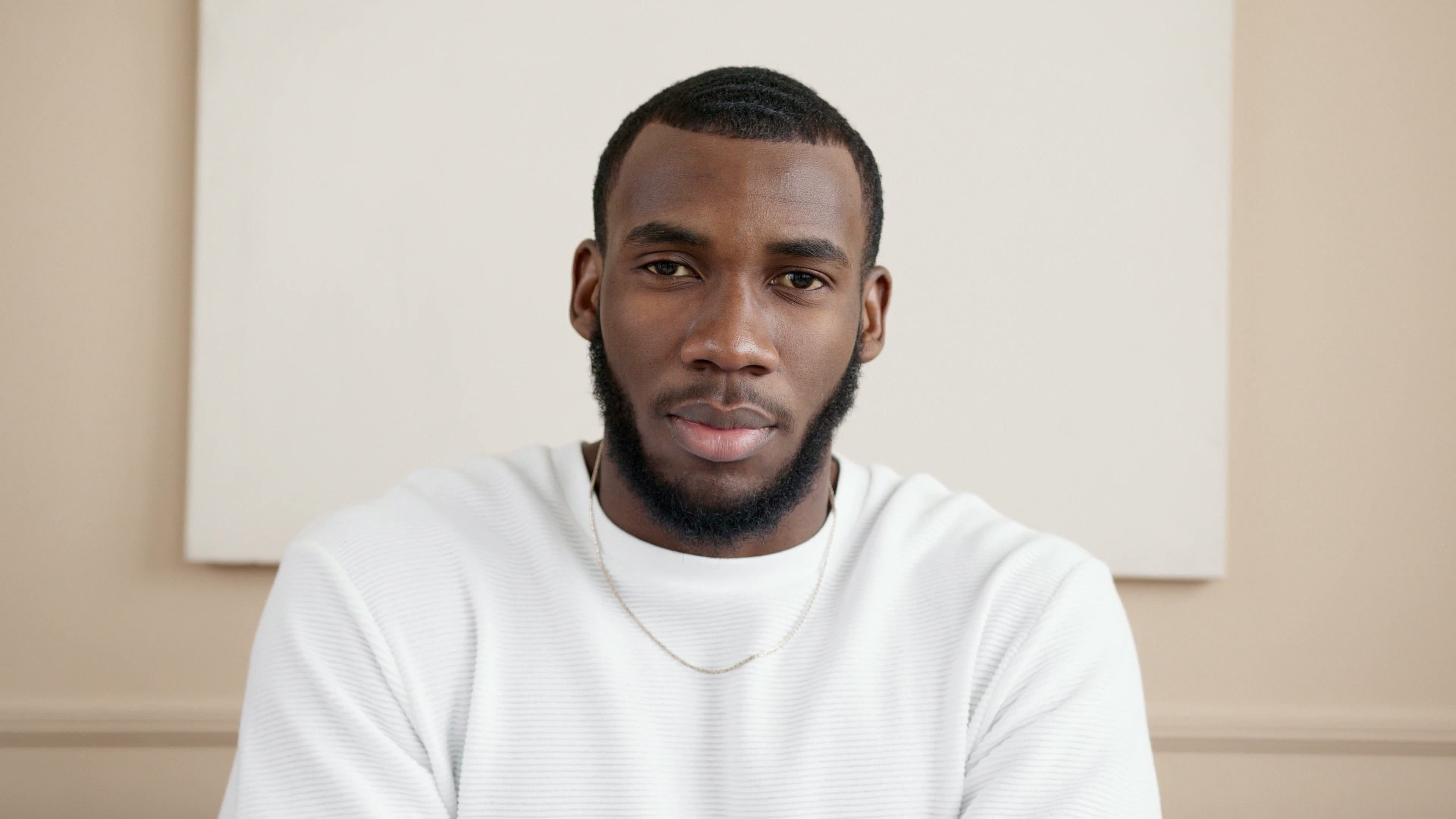
Heavy compression turns cheeks into flat squares. Fix pixelated video like this and stubble, pores and the grey eyes get their texture back.
Fur and whiskers
Fine strands are the first thing a low bitrate throws away. The tabby stripes and whiskers come back instead of blocky patches.
Moss and flowers
Busy textures are where macroblocks show worst. Unpixelate video of plants and the moss and petals have edges again.
Skies and sunsets
Smooth gradients break into bands and steps when a clip is squeezed. Here the blue-to-orange sky is one smooth gradient again.
Water and motion
Moving water changes every frame, so compressed clips smear foam into big blocks. After the fix, the spray comes back.
Anime
Dark gradients and thin outlines make block artifacts easy to see. The hair lines, earrings and glowing eyes come back clean.
Fix pixelated video online: formats, limits and price
Upload an MP4, MOV, MKV, WebM or M4V file up to 500 MB and get a clean copy at 1080P, 2K or 4K for 1–3 credits per second.
| Pixelation it fixes | Compression blocks, color banding, jagged low-res edges |
|---|---|
| Pixelation it can’t fix | Censor mosaics, pixelation added on purpose, corrupted files |
| Input formats | MP4, MOV, MKV, WebM, M4V |
| Max file size | 500 MB per video |
| Output resolution | 1080P, 2K or 4K |
| Price | 1 credit per second at 1080P, 2 at 2K, 3 at 4K |
| New accounts | 10 credits to start; results carry a small watermark until you buy credits |
| Kept from the original | Colors, audio, frame rate and aspect ratio |
| Installation | None: it runs in your browser on cloud GPUs |
How to fix pixelated videos in 3 steps
Upload, pick a resolution, download. It works from any computer or phone with a browser, because the model runs on cloud GPUs.
1. Upload the pixelated clip.
Use the best copy you have. Every re-upload, chat-app forward or screen recording compresses the video again and adds more blocks.
Get started2. Pick 1080P, 2K or 4K.
For small, blocky clips, 1080P usually looks the most natural. Use 4K when the source is already HD and only the compression is bad.
3. Compare and download.
Drag the divider to check the result against your original, then download the clean file. The audio comes along untouched.
Unpixelate video: which pixelation AI can’t undo
Try it with your videoCensor mosaics
Pixelation added on purpose to hide a face or a plate replaced the detail. No tool can uncensor it, and this one doesn’t try.
Corrupted files
Green or gray smears and frozen frames from a broken download are missing data, not low quality. Repair or re-download the file first.
Areas that are one solid block
If a whole face is a few flat squares, the model cleans the edges but can’t invent who it was.
Dropped frames
Stutter from frames lost while recording a stream stays; frames that were never saved can’t be restored.
Why videos get pixelated, and why a blur filter doesn’t fix it
Video codecs split each frame into squares of 8×8 to 16×16 pixels. When the bitrate is too low, every square gets one flat color and the grid shows: that is the pixelated look. A blur filter hides the grid and the detail with it. To fix pixelated video properly, an AI model removes the blocks and rebuilds the texture inside them.
Fix my video nowBlocks removed, not smeared.
The grid disappears without turning the picture soft.
Smooth gradients.
Skies and walls lose their banding.
Stable from frame to frame.
Detail holds still in motion instead of flickering.
True to the original.
Colors, audio and aspect ratio stay as they were.
Good to know:
Per-second pricing
1 credit per second at 1080P, 2 at 2K, 3 at 4K.
Phone and camera files
MP4, MOV, MKV and WebM straight from an iPhone, Android phone or editor.
Automatic refunds
If a job fails, the credits go back to your balance.
Pixelated vs fixed: compression blocks next to a clean 4K frame
On the pixelated side, flat squares replace texture and edges step like stairs; on the clean side each edge is smooth. Every example on this page compares a heavily compressed copy with a 4K frame of the same clip. Drag the divider to compare.

See what your own pixelated clips look like fixed.
Get startedFrequently Asked Questions
Fix pixelated video FAQ: causes, phones and censor mosaics
Upload it here, pick 1080P, 2K or 4K and download the result. The AI model removes compression blocks and rebuilds the detail frame by frame; there is nothing to install.
Almost always too little bitrate: a chat app, a social network or a slow stream compressed the video so hard that the codec’s squares became visible. Low resolution stretched to a big screen makes it worse.
WhatsApp, Messages and most chat apps compress videos before sending. Ask the sender for the original through AirDrop, a cloud link or email, then fix pixelated video from that copy.
It costs 1 credit per second of video at 1080P, 2 at 2K and 3 at 4K, so a 30-second clip at 1080P uses 30 credits. If a job fails, the credits go back to your balance.
No. A censor mosaic replaces the hidden detail, so there is nothing left to recover. This tool is built for pixelation caused by compression and low resolution.
Yes. Open this page in Safari or Chrome, tap Upload and pick the clip from your gallery or Files. The work runs on cloud GPUs, so the phone only uploads and downloads.
For low-resolution clips you want to make video HD at 1080p, and for soft, out-of-focus footage try the unblur video tool.
MP4, MOV, MKV, WebM and M4V files up to 500 MB. AVI, WMV, FLV and TS are not supported yet; convert them to MP4 first with a free tool like HandBrake.
Still have questions? Email us at support@videoupscaler.co