
Make Video HD Online with AI
Make video HD in your browser: upload a 480p, 540p or 720p clip and the AI model rebuilds it at 1080p, redrawing faces, edges and text frame by frame instead of stretching the pixels. Colors, audio and aspect ratio stay as they were.
New accounts get 10 free credits. Try it now.


Drop in a low-res clip and get it back in HD.
MP4, MOV, MKV or WebM up to 500 MB

Our AI upscaling tools are used by people at





Make video HD: people, pets, travel, sports, food and anime at 1080p
People and hair
At 480p, long curly hair melts into one soft shape. Make video HD with AI and single strands, the necklace and the grass behind her are back at 1080p.
Pets
Fur is thousands of thin strands, so it is the first detail a low-res phone clip loses. Here the fluffy ears and whiskers have an edge again.
Travel and aerial clips
Old travel videos shot at 480p look smeared on a big screen. At 1080p, roof tiles, house fronts and boats are readable again.
Sports and action
Fast motion plus low resolution means mush. Gloves, tattoos and ring ropes stay sharp from frame to frame, without flicker.
Food
Sesame seeds, melted cheese and the grill marks need resolution to look appetizing. At 1080p the texture is back.
Anime
Line art and small on-screen text are what make anime look crisp. Make video HD and outlines and the code on the monitor stay clean.
Convert video to HD 1080p online: sizes, formats and price
Upload an MP4, MOV, MKV, WebM or M4V file up to 500 MB and get it back at 1080p for 1 credit per second.
| Best input | 480p, 540p, 720p and other below-HD clips |
|---|---|
| Output at 1080P | 1920×1080 (16:9), 1080×1920 (vertical), 1440×1080 (4:3) |
| Input formats | MP4, MOV, MKV, WebM, M4V |
| Max file size | 500 MB per video |
| Price | 1 credit per second at 1080P (2K: 2, 4K: 3) |
| New accounts | 10 credits to start; results carry a small watermark until you buy credits |
| Kept from the original | Colors, audio, frame rate and aspect ratio |
| Also available | 2K and 4K output from the same upload |
| Installation | None: it runs in your browser on cloud GPUs |
Make a video 1080p in 3 steps: upload, pick 1080P, download
It works from any computer or phone with a browser, because the model runs on cloud GPUs.
1. Upload the low-res clip.
Use the original file if you can. A copy that went through a chat app or a screen recording has less detail left to rebuild.
Get started2. Pick 1080P.
For 480p and 720p sources, 1080P usually looks the most natural and costs the least: 1 credit per second.
3. Compare and download.
Drag the divider to check the HD result against your original, then download the 1080p file. The audio comes along untouched.
Convert low quality video to HD: what 1080p can and can’t fix
Try it with your videoVery small sources
A 240p or 144p clip gets cleaner at 1080p, but faces far from the camera can’t be rebuilt from a handful of pixels.
Video that is already 1080p
1080P adds nothing to a 1080p file. Pick 2K, or use the 4K video upscaler instead.
Strong motion blur
Long streaks from a fast pan only partly clear up; that detail was never recorded.
Frame rate
A 24 or 30 fps clip stays 24 or 30 fps. Converting to HD changes resolution, not smoothness.
720p to 1080p and 480p to 1080p: why AI beats a plain resize
A video converter that only resizes stretches the existing pixels, so a 480p clip becomes a bigger, equally soft 1080p file. To make video HD for real, an AI model rebuilds the missing detail: hair, text and texture come back, not just more pixels.
Make video HD nowReal detail, not stretched pixels.
Edges are redrawn instead of enlarged.
Less compression mush.
Blocky and smeared areas get cleaned up.
Stable from frame to frame.
Detail holds still in motion instead of flickering.
True to the original.
Colors, audio and aspect ratio stay as they were.
Good to know:
Cheapest tier
1080P costs 1 credit per second, a third of 4K.
Phone and camera files
MP4, MOV, MKV and WebM straight from an iPhone, Android phone or editor.
Automatic refunds
If a job fails, the credits go back to your balance.
480p vs 1080p: the same frame before and after
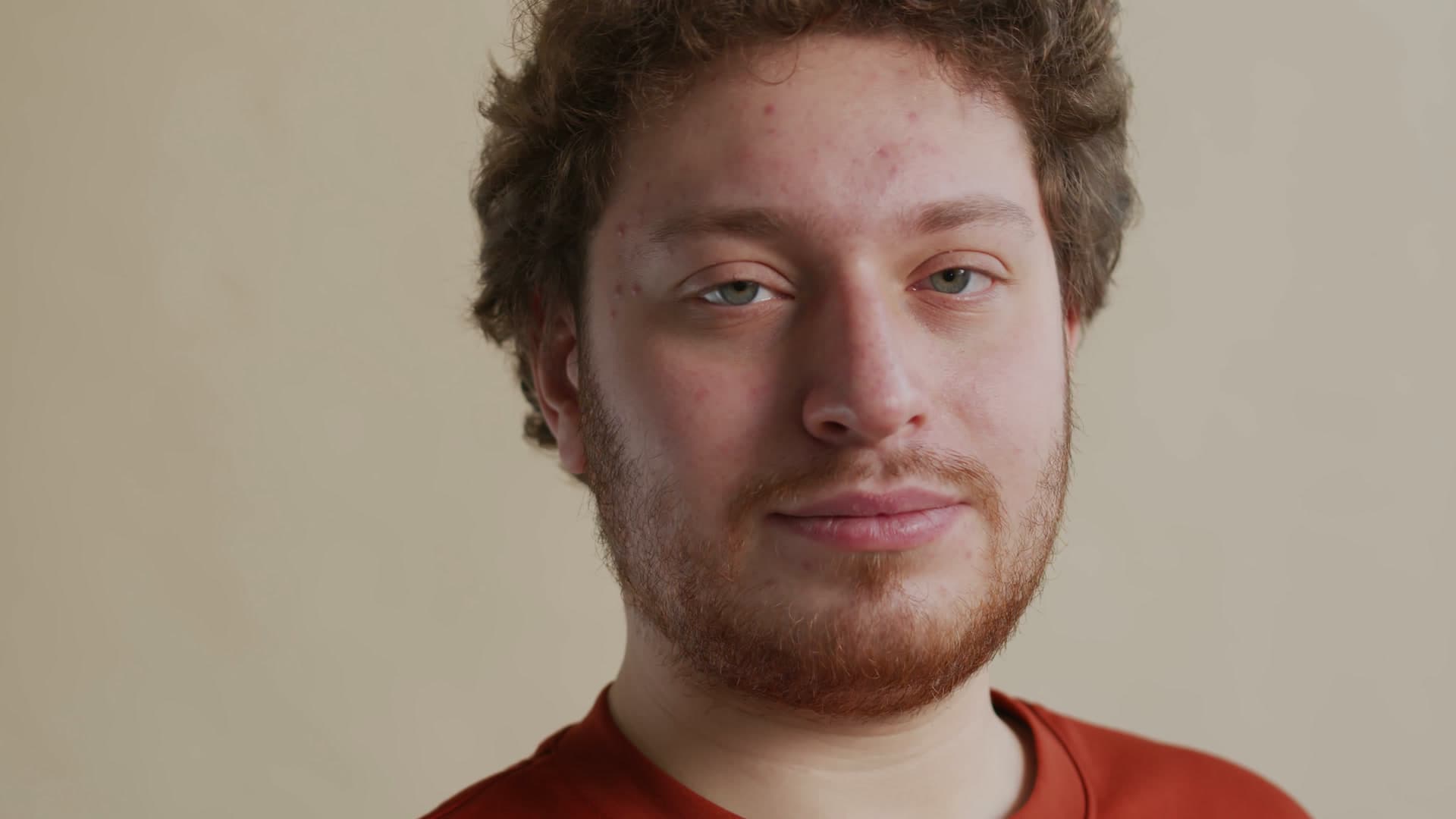
At 480p, skin texture and fine edges are soft shapes; at 1080p each one has a clean edge. Every example on this page compares a degraded 480p copy with a 1080p frame of the same clip. Drag the divider to compare.

See what your own clips look like in HD.
Get startedFrequently Asked Questions
Make video HD FAQ: price, 720p, 480p and phones
At 1080P it costs 1 credit per second of video, so a 60-second clip uses 60 credits; 2K costs 2 credits per second and 4K costs 3. If a job fails, the credits go back to your balance.
Upload the 720p file, choose 1080P and download the result. A 1280×720 clip comes back at 1920×1080 with the detail redrawn, not just stretched.
Yes, and it is where AI helps most: a 480p clip has a quarter of the pixels of 1080p, so a plain resize looks soft while the model rebuilds edges and texture.
Only if the converter rebuilds detail. A normal converter or editor export just resizes, so the file gets bigger but no sharper. AI upscaling adds real detail.
For 480p and 720p sources, 1080P usually looks the most natural and costs 1 credit per second. If your video is already 1080p, use the 4K video upscaler.
Open this page in Safari or Chrome, tap Upload and pick the clip from your gallery or Files. Nothing to install; the work runs on cloud GPUs and you download the 1080p file back to your phone.
Mild softness clears up at 1080P too. For footage that is mainly out of focus or soft, see the unblur video tool.
MP4, MOV, MKV, WebM and M4V files up to 500 MB. AVI, WMV, FLV and TS are not supported yet; convert them to MP4 first with a free tool like HandBrake.
Still have questions? Email us at support@videoupscaler.co