
Halloween Background Video Upscaler
A Halloween background video plays for hours on a big screen, so softness is hard to miss. Upload your loop, pick 4K for a TV or 1080P for Zoom and OBS, and the AI model redraws lanterns, carved pumpkins and falling leaves frame by frame. You bring the loop; this makes it sharp.
New accounts get 10 free credits. Try it now.
Drop in a background loop and see the difference.
MP4, MOV, MKV or WebM up to 500 MB

Our AI upscaling tools are used by people at





Background loops for TVs, streams and video calls
Cozy Halloween village
Lantern glass, roof tiles and pumpkin faces smear together in a compressed ambience loop. This Halloween background video was run through VideoUpscaler in 1080P and the details are separate again. Source: Cozy Cottage on YouTube.
Fireplace loops
Glowing embers and bark texture are what make a fireplace loop feel real on a 4K TV.
Candle scenes
Dozens of tiny flames turn into one orange smear when the loop is small; a sharp Halloween background video keeps them apart.
Moon and clouds
Dark skies show banding first. Smoother gradients matter more than detail here.
Spider webs
Dew on a web is hundreds of tiny highlights, a good test for any big screen.
Pumpkins in fog
A pumpkin bucket, tea lights and rolling fog: a classic party-screen loop.
Halloween background video: formats, limits and price
Upload the loop as MP4, MOV, MKV, WebM or M4V up to 500 MB and get it back at 1080P, 2K or 4K for 1–3 credits per second.
| Input formats | MP4, MOV, MKV, WebM, M4V |
|---|---|
| Max file size | 500 MB per video |
| Max length | 20 minutes at 1080P, 10 minutes at 2K or 4K |
| Output resolution | 1080P, 2K or 4K |
| Price | 1 credit per second at 1080P, 2 at 2K, 3 at 4K |
| New accounts | 10 credits to start; results carry a small watermark until you buy credits |
| For Zoom | 1080P: Zoom accepts video backgrounds up to 1920×1080 |
| For a 4K TV | 4K: matches the panel, so the TV doesn't stretch it |
| Kept from the original | Colors, audio, frame rate and aspect ratio |
| Installation | None: it runs in your browser on cloud GPUs |
| Demos on this page | First card and the slider: real VideoUpscaler output. Other cards: a 4K stock original next to our 480p copy |
How to get a sharp Halloween background video on a big screen
Pick the resolution of the screen it will play on, upscale once, and loop the file.
1. Choose the loop.
One you filmed, generated or licensed. Use the original download, not a screen recording of a stream.
Get started2. Match the screen.
4K for a 4K TV or projector, 1080P for Zoom, Teams, OBS or a 1080P TV.
3. Download and loop it.
Play the sharper Halloween background video from a USB stick, your media server or as a virtual background.
What it won't do to your loop
Try it with your loopIt doesn't make loops.
It sharpens the video as it is. A clip that jumps at the end will still jump.
It doesn't lengthen clips.
A 30-second loop stays 30 seconds; set your player to repeat it.
It doesn't remove logos.
Channel watermarks and burned-in text stay in the frame.
Mind the license.
Upscale loops you made or licensed for display, not someone else's stream.
Halloween TV background: why 1080P loops look soft on a 4K TV
A 4K TV has four times as many pixels as a 1080P loop, so the TV stretches each pixel to a 2×2 block with its own quick filter. Upscaling the loop to 4K first replaces that stretch with rebuilt detail: lantern frames, leaf edges and the carved faces on pumpkins.
Sharpen your backgroundCrisp across the room.
Fine details hold up on a 55-inch screen and larger.
No banding in the dark.
Night skies and fog keep smoother gradients.
Same loop, same timing.
Length, frame rate and sound stay as they were.
One-time cost.
Upscale once and play it all season.
Good to know:
Per-second pricing
1080P costs 1 credit per second, 2K costs 2, 4K costs 3.
Vertical or landscape
Aspect ratio stays as it is, so 9:16 clips stay 9:16.
Automatic refunds
If a job fails, the credits go back to your balance.
480p vs VideoUpscaler 1080P on a Halloween ambience loop
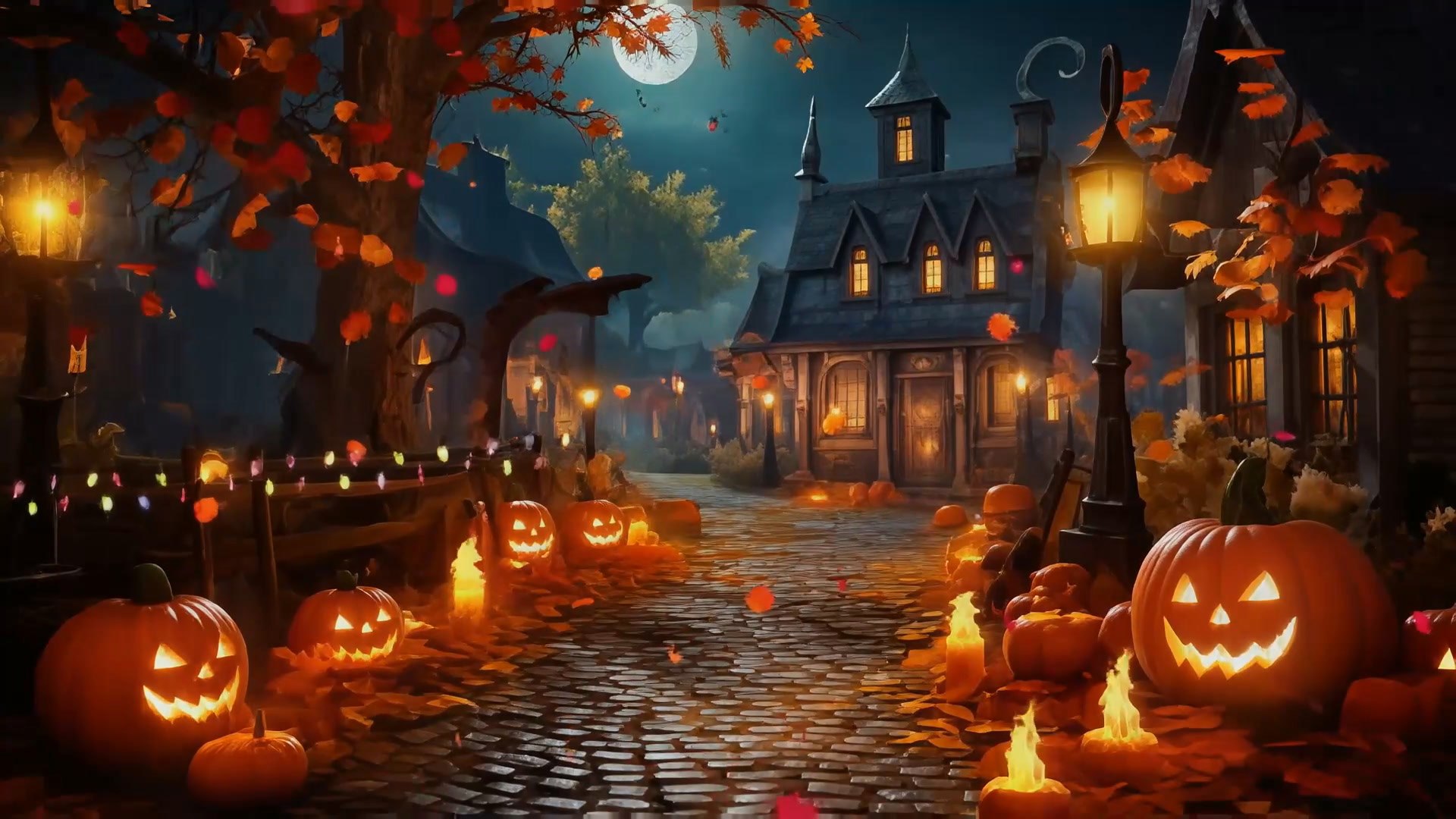
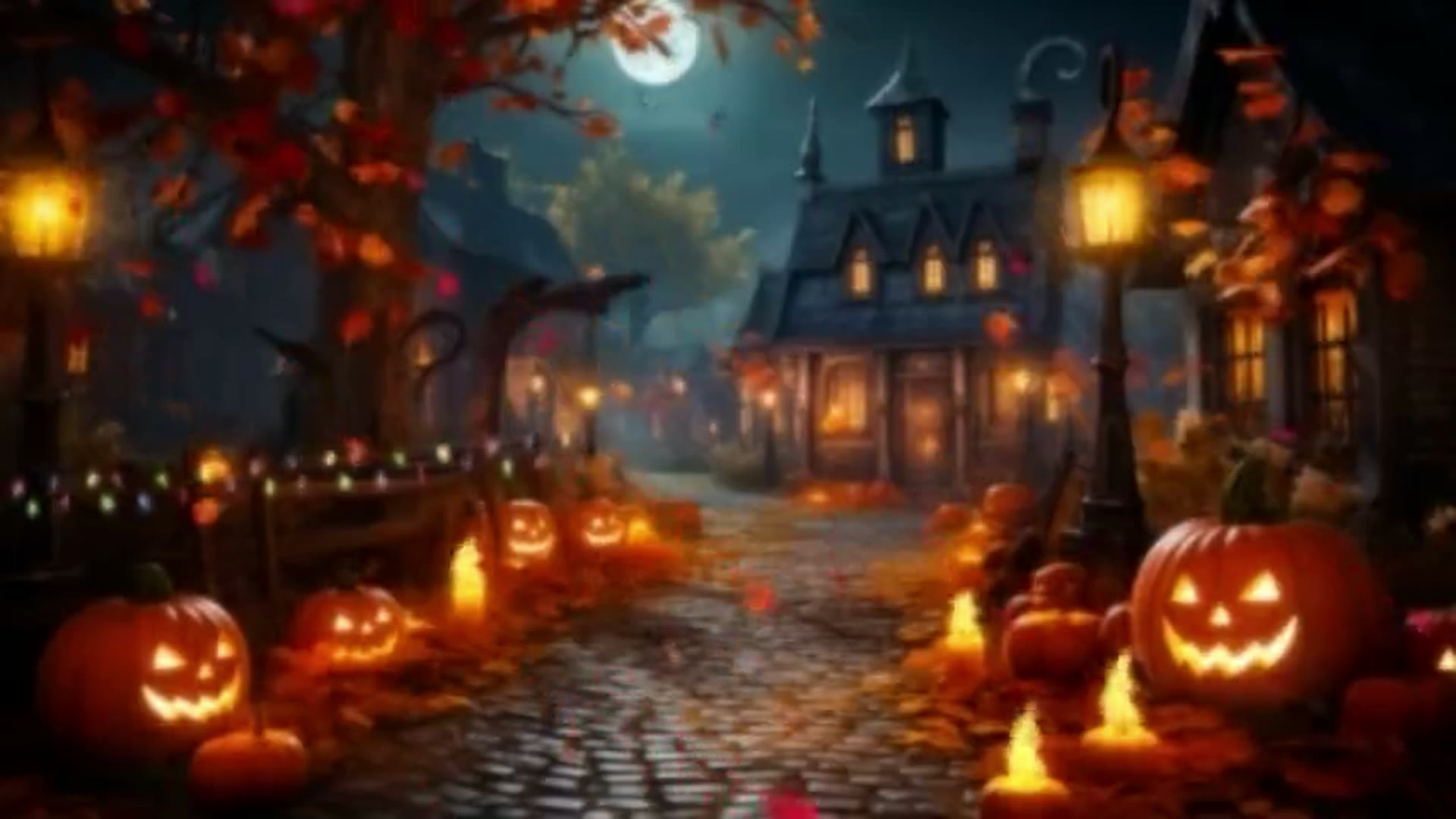
At 480p the lamp post, the windows and the pumpkins' carved faces dissolve into orange glow; in the VideoUpscaler 1080P result each one has a clean outline. Left: our 480p copy of a 5-second excerpt. Right: the same frame from the real VideoUpscaler output. Footage: Cozy Cottage, “Cozy Autumn Village Halloween Ambience”. Drag the divider to compare.
See your loop on the big screen.
Get startedFrequently Asked Questions
Halloween background video FAQ: TV, Zoom, OBS and price
4K. A 1080P loop gets stretched by the TV; upscaling the Halloween background video to 4K first gives the panel real detail to show.
Yes. Zoom accepts MP4 or MOV video backgrounds up to 1920×1080, so pick 1080P here and add the file under Settings → Backgrounds & Effects.
Yes. Add the downloaded file as a Media Source in OBS and tick “Loop”. 1080P matches most streams.
No. This tool upscales a loop you already have: one you filmed, generated or licensed.
1080P costs 1 credit per second, 2K costs 2 and 4K costs 3. A 20-second loop in 4K uses 60 credits, once, and then plays all night.
Yes. Length, frame rate and the first and last frames stay as they were, so a clean loop stays clean.
MP4, MOV, MKV, WebM and M4V files up to 500 MB, up to 20 minutes at 1080P or 10 minutes at 2K and 4K.
Still have questions? Email us at support@videoupscaler.co