
Halloween Projection Video Upscaler
A Halloween projection video gets blown up to several meters wide, so every soft pixel shows. Upload your loop, pick your projector's resolution, and the AI model redraws the ghost, the fog and the glowing eyes frame by frame. You bring the clip; we make it sharp enough for the wall.
New accounts get 10 free credits. Try it now.
Drop in a projection loop and see the difference.
MP4, MOV, MKV or WebM up to 500 MB

Our AI upscaling tools are used by people at





Projection loops for windows, walls and garage doors
Ghost and apparition loops
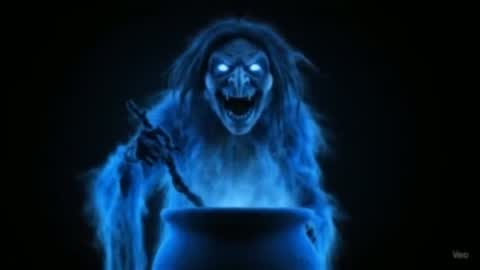
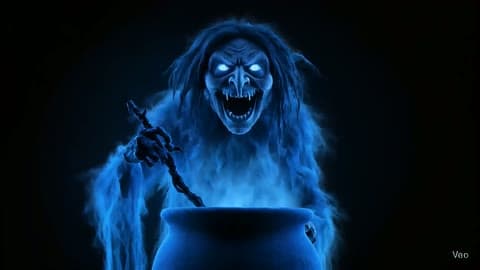
Wispy hair and fangs are the first detail a small projection video loses. This loop was run through VideoUpscaler in 1080P and the teeth, eyes and strands of hair are back. Source: Aquasquatch on YouTube.
Smoke and fog loops
Smoke on black is the most common projection loop. At low resolution the wisps turn into blocks on a big wall.
Skeletons and props
Ribs, cobwebs and the plaid blanket need real pixels to read from the sidewalk.
Cobwebs
Single threads are a pixel wide or less; a soft Halloween projection video loses them completely. Here each dew drop is a point of light.
Lanterns and windows
Window panes and glowing frames make good window-projection loops when the edges are straight and clean.
Faces in candlelight
Eyes and fingers behind a flame are hard for a projector to show when the source is small. More pixels keep them readable.
Halloween projection video: formats, limits and price
Upload the loop as MP4, MOV, MKV, WebM or M4V up to 500 MB and get it back at your projector's resolution for 1–3 credits per second.
| Input formats | MP4, MOV, MKV, WebM, M4V |
|---|---|
| Max file size | 500 MB per video |
| Max length | 20 minutes at 1080P, 10 minutes at 2K or 4K |
| Output resolution | 1080P, 2K or 4K |
| Price | 1 credit per second at 1080P, 2 at 2K, 3 at 4K |
| New accounts | 10 credits to start; results carry a small watermark until you buy credits |
| Black backgrounds | Stay black, so the projection keeps its edges on the screen |
| Loop length | Unchanged: a 30-second loop comes back 30 seconds long |
| Kept from the original | Colors, audio, frame rate and aspect ratio |
| Installation | None: it runs in your browser on cloud GPUs |
| Demos on this page | First card and the slider: real VideoUpscaler output. Other cards: a 4K stock original next to our 480p copy |
How to make a Halloween projection video look sharp
Match the file to your projector, not to your laptop. A projector that has to stretch a 480p loop to its own resolution does it with a cheap filter; give it a file at its native resolution instead.
1. Check your projector's native resolution.
It's in the manual or on the box as “native”, not the “supported” number. Most home projectors are 1080P; many budget ones are 720p or 480p native, and a few are 4K.
Get started2. Upload the loop and pick the closest resolution.
1080P for a 1080P or 720p projector, 4K for a 4K one. Going above your projector's resolution costs more and doesn't show.
3. Play the sharper file on repeat.
Download the Halloween projection video, put it on a USB stick or your media player, and set it to loop.
What a sharper projection video won't change
Try it with your loopIt doesn't supply the loops.
Bring your own clip: one you filmed, generated or bought. Check that the license of a paid loop allows editing.
It can't beat a dim projector.
Brightness comes from the projector's lumens and how dark the street is, not from the file.
Screen material still softens.
Rear-projection film and window sheets diffuse light; the image looks sharper, but not like a TV.
No projection mapping.
It won't warp the clip to fit windows or a house front. Do that in your mapping app after upscaling.
Halloween window projection: why resolution matters more than on a TV
On a window projection the image is 2–3 meters wide and viewed from the sidewalk, so a 480p loop shows each pixel as a soft block about half a centimeter across. Upscaling the loop to the projector's native resolution gives it real edges instead of stretched blur.
Sharpen your projection loopFaces read from the street.
Eyes and teeth keep their shape at a distance.
Fog stays fog.
Smoke edges stay soft without turning into blocks.
Clean black edges.
Dark areas stay dark, so the figure seems to float.
Same loop, same timing.
Length and frame rate are unchanged, so loops still line up.
Good to know:
Per-second pricing
1080P costs 1 credit per second, 2K costs 2, 4K costs 3.
Vertical or landscape
Aspect ratio stays as it is, so 9:16 clips stay 9:16.
Automatic refunds
If a job fails, the credits go back to your balance.
480p vs VideoUpscaler 1080P on a projection loop
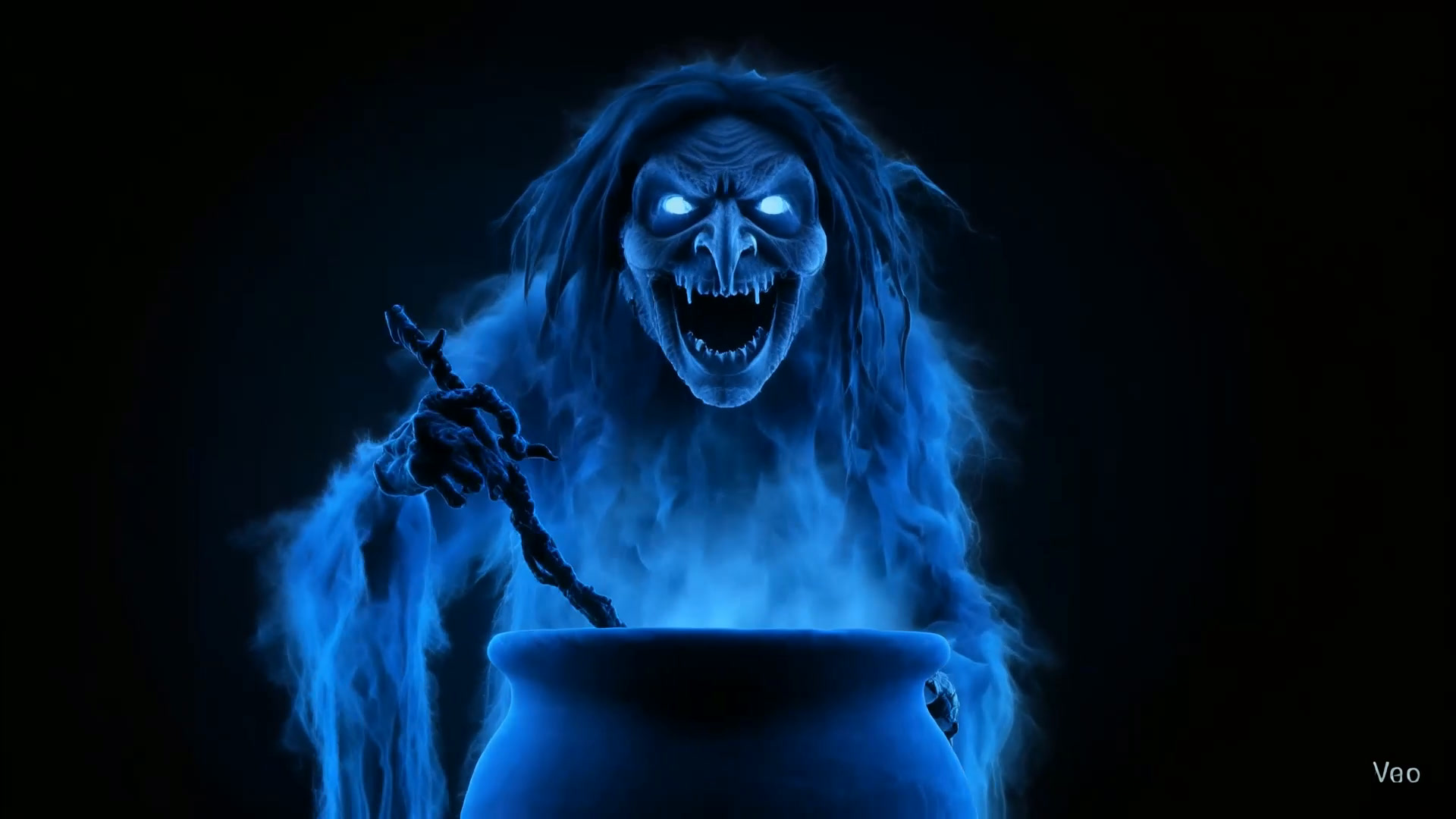
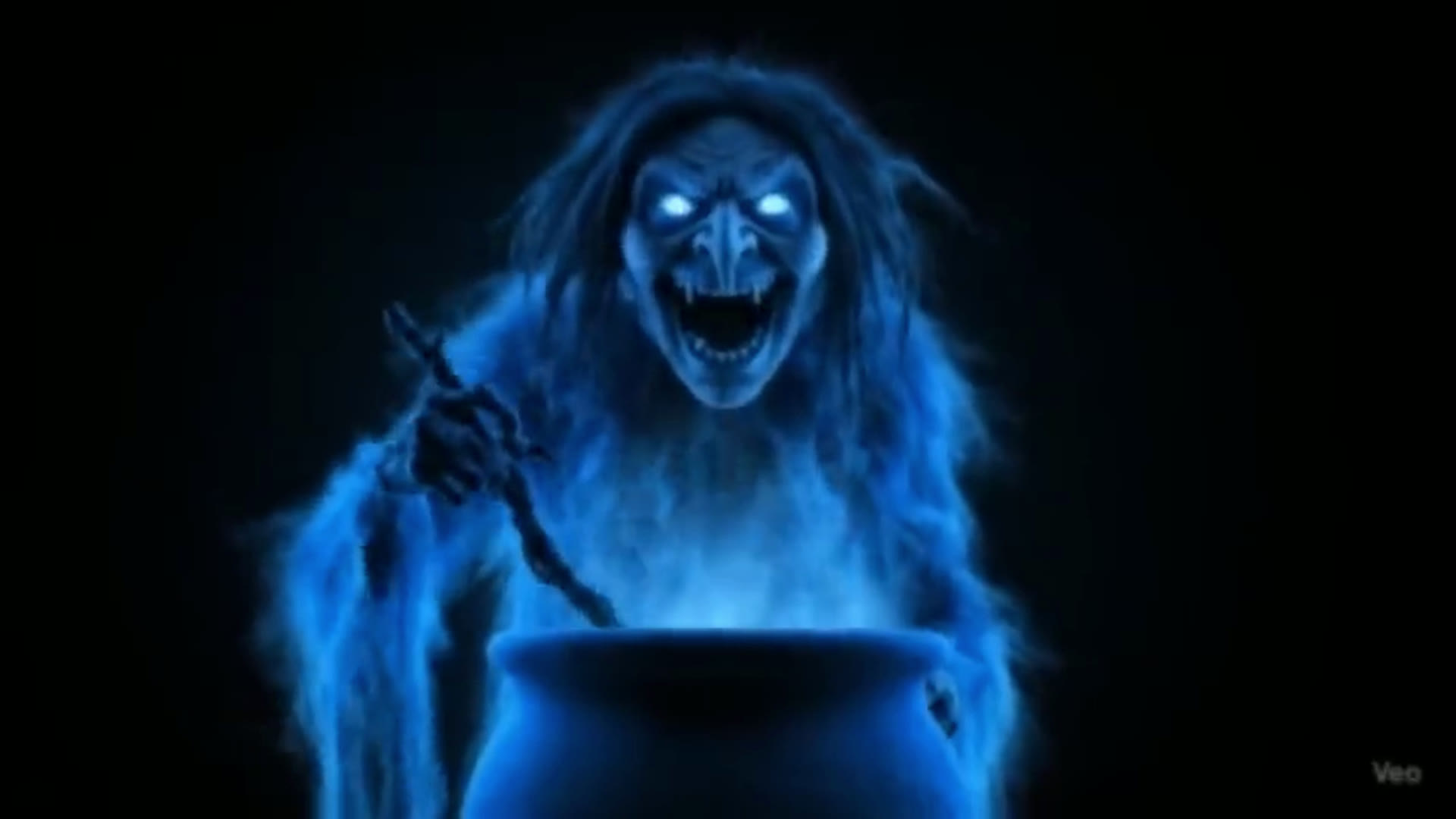
At 480p the witch's hair melts into the fog and the teeth are a white smear; in the VideoUpscaler 1080P result each strand and fang has an edge. Left: our 480p copy of a 5-second excerpt. Right: the same frame from the real VideoUpscaler output. Footage: Aquasquatch, “Halloween projection loop: Witch apparition”. Drag the divider to compare.
See how your loop looks on the wall.
Get startedFrequently Asked Questions
Halloween projection video FAQ: projectors, windows and price
The same as your projector's native resolution: 1080P for most home projectors, 4K for a 4K model. A loop that matches the projector doesn't get stretched by the projector's own scaler, which is where most of the softness comes from.
No. This tool sharpens a loop you already have. Use clips you filmed, generated or licensed, and check that a paid loop's license allows you to edit it.
No. The projector shows 1080P either way, so a 1080P Halloween projection video costs a third of the 4K price and looks the same on the wall.
Hang a rear-projection sheet or a thin white curtain inside the window, put the projector behind it, flip the image horizontally in the projector menu and play the loop. A sharper file helps because the sheet softens the light.
1080P costs 1 credit per second, 2K costs 2 and 4K costs 3. A 20-second loop at 1080P uses 20 credits, and you only pay once because it plays on repeat.
Yes. Length, frame rate and the first and last frames stay as they were, so a seamless loop stays seamless.
MP4, MOV, MKV, WebM and M4V files up to 500 MB. Most media players and projectors play the MP4 you download.
Still have questions? Email us at support@videoupscaler.co