Summary
To use FlashVSR in 2026 without a CUDA GPU, run it in the browser. This guide covers local setup, our measured speeds on a 96 GB GPU, and what it costs.
TL;DW
- Verdict: if you want FlashVSR results in 2026 but do not own a large NVIDIA GPU, run FlashVSR online. Upload the clip, pick 1080P, 2K or 4K, and the model runs on a cloud GPU.
- What it is: a one-step diffusion model for video upscaling, v1.1 released November 2025, Apache-2.0 code.
- Local needs: an NVIDIA GPU (A100/A800 for full speed), Python 3.11, CUDA, a Block-Sparse Attention build and about 6.5 GB of weights. No Mac or AMD support.
- Measured speed: a 10-second 360p clip took 41.2 s to 1080P and 68 s to 4K on our 96 GB GPU (13 August 2026).
- Online cost: 1, 2 or 3 credits per second for 1080P, 2K or 4K; 10 free credits for new accounts; plans from $29.90/month.
- Skip online if: the footage cannot leave your machine, the file is over 500 MB, or you need 720P or 8K.
VideoUpscaler runs the FlashVSR v1.1 weights on a 96 GB cloud GPU. This guide covers what FlashVSR needs on your own machine, how fast it ran on our hardware, the online steps, and when a local install is the better choice. All numbers were checked on 10 October 2026.
Run FlashVSR on your own clip
New accounts get 10 free credits (10 seconds of 1080P). Nothing to install.
What is FlashVSR?
FlashVSR is a one-step, diffusion-based streaming model for video super resolution, published by Junhao Zhuang and co-authors (arXiv 2510.12747, listed for CVPR 2026).
It upscales a video frame by frame while carrying information across frames, so detail stays stable instead of flickering. The authors report about 17 FPS on 768 × 1408 video on a single A100 GPU, and up to about 12× faster than earlier one-step diffusion upscalers.
Three ideas make FlashVSR fast:
- Distillation into one step. The model does in one pass what older diffusion upscalers did in many.
- Sparse local attention. Each frame region only looks at nearby regions, which cuts the work at high resolution.
- A small conditional decoder. The final decode step is light, so less time is spent turning model output back into pixels.
The official release targets 4× upscaling and ships under the Apache-2.0 license. The v1.1 update in November 2025 focused on stability and fidelity.
What do you need to run FlashVSR locally?
Running FlashVSR locally takes a CUDA GPU, a Python environment and a compile step that many users get stuck on. Here is the list from the official repository as of 10 October 2026:
- An NVIDIA GPU. The authors name the A100 and A800 as the cards with full acceleration. The H200 runs it with limited acceleration. RTX 40 and 50 series support is listed as unknown.
- Block-Sparse Attention. You build this backend from source. The README warns the build can use a lot of memory.
- Python 3.11 with PyTorch and CUDA.
- The weights. The FlashVSR v1.1 folder plus the prompt file is about 6.5 GB in our build.
The official README gives no VRAM figure. A community port for ComfyUI adds tiled decoding, tiled DiT and model unloading to fit smaller cards, each at a speed cost, and suggests 2× instead of 4× when VRAM is short.
If you have a Mac, an AMD card or a laptop GPU, FlashVSR in its official form will not run for you. That is the main reason people search for FlashVSR online.
How fast is FlashVSR on a real GPU?
FlashVSR took 41.2 seconds to upscale a 10-second 360p clip to 1080P on our production GPU. We timed one clip of 300 frames on 13 August 2026, on a warm NVIDIA RTX PRO 6000 worker with 96 GB of VRAM:
| Output | Job time for 10 s of video | Frames per second | Credits charged |
|---|---|---|---|
| 1080P | 41.2 s | about 7.3 | 10 |
| 2K | 67 s | about 4.5 | 20 |
| 4K | 68 s | about 4.4 | 30 |
Job time covers the whole run on the worker: decoding the input, the FlashVSR pass, and encoding the output. Waiting in the queue is not included. That is why it is slower than the paper's 17 FPS, which measures the model alone.
Two things follow from this test. A 1-minute clip takes a few minutes, not hours. And 2K and 4K take about the same time on our setup, so pick the resolution your project needs rather than the faster one.
How do you run FlashVSR online without a GPU?
You run FlashVSR online by uploading a clip to VideoUpscaler and picking an output resolution. The whole job takes six steps.
1. Open the upscaler
Go to the VideoUpscaler home page. You need an account to start a job. New accounts get 10 free credits.
2. Upload one clip
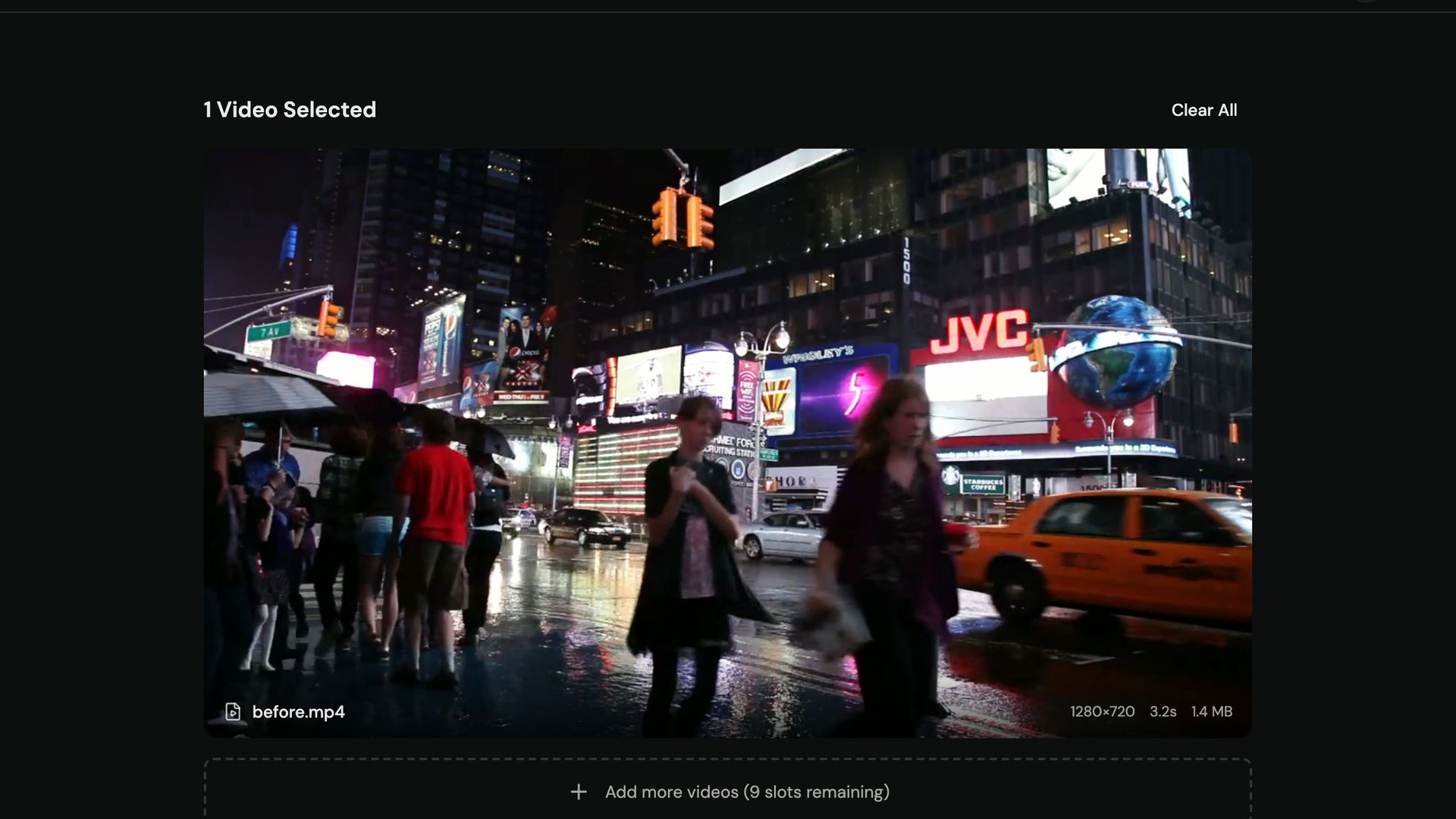
Drop in an MP4, MOV or WebM file up to 500 MB. Start with a short clip, 5 to 10 seconds, so you can judge the result before you spend credits on the full video.
3. Pick 1080P, 2K or 4K
Choose the output size. There is no 720P and no 8K. The cost is 1 credit per second at 1080P, 2 at 2K and 3 at 4K.
4. Check the quote
The page shows the credits the job will use before you start. The longest input is 20 minutes at 1080P and 10 minutes at 2K or 4K.
5. Start and wait
The job runs on the cloud GPU, and the finished video also appears in your history.
6. Compare and download
The result page shows a before/after slider. Download the MP4 when you are happy with it. Free-tier results carry a small videoupscaler.co watermark; paid results do not.
If you want FlashVSR inside your own pipeline, the same jobs are available through the VideoUpscaler API and the video MCP server for paid accounts.
How do you judge a FlashVSR result?
Judge a FlashVSR result on three things: fine texture, edges in motion, and faces. Pause on a frame with foliage, fabric or text and compare it in the slider. The upscale should add real-looking texture, not a smooth plastic surface.
Then play a section with fast motion. Edges should stay put from frame to frame. Flicker on a static wall or shimmering text means the source is too damaged for a clean result.
Faces are the hardest case. If the source face is only a few pixels wide, the model invents detail, and the person may look slightly different. For family videos, check faces first.
When a result is weak, do not run the output through the upscaler a second time. Go back to the original file, cut out heavily compressed sections, and try 1080P before 4K.
Try FlashVSR on a 10-second clip
See the before/after slider on your own footage before you upscale the full video.
FlashVSR local vs online: which should you choose?
Choose FlashVSR online if you lack a CUDA GPU or want results today. Choose a local install if you already own an A100-class card and process hours of video every week.
| Option | Hardware you need | Setup | Output | Cost |
|---|---|---|---|---|
| VideoUpscaler (FlashVSR online) | Any browser | None | 1080P, 2K, 4K | 10 free credits, then from $29.90/mo |
| Official FlashVSR repo | NVIDIA GPU, A100/A800 for full speed | Python 3.11, CUDA, Block-Sparse Attention build | Designed for 4x | Free code, your GPU |
| ComfyUI FlashVSR port | NVIDIA GPU, tiling for smaller cards | ComfyUI plus model download | 4x, or 2x on low VRAM | Free code, your GPU |
VideoUpscaler runs FlashVSR on a cloud GPU and bills per second of video. At the $29.90 monthly plan, 10 seconds of 1080P costs about $0.30 and 1 minute of 4K costs about $5.40. It is for anyone without a CUDA card, and for people who want a result without maintaining a Python setup.
The official FlashVSR repository gives you every setting and costs nothing beyond hardware. It is for researchers and people with A100-class GPUs who want to change the pipeline.
The ComfyUI port fits FlashVSR into node-based workflows and adds memory-saving options. It is for ComfyUI users with a consumer NVIDIA card who accept slower runs.
What this post leaves out
This post is about running FlashVSR, not about upscaling in general. For a step-by-step walkthrough of any upscale, read how to upscale a video without losing quality.
If your target is 4K specifically, how to upscale video to 4K covers source quality and file size. For animation, Anime4K vs Real-ESRGAN compares the anime-specific models.
To compare FlashVSR-based tools with Topaz Video AI and others, see the best AI video enhancers of 2026.
When should you not use FlashVSR online?
- Skip it if your footage cannot leave your machine. The online version uploads the video to cloud storage.
- Skip it if you need 720P or 8K output. VideoUpscaler offers 1080P, 2K and 4K only.
- Skip it if your file is over 500 MB. Compress or trim it first.
- Skip it if you need frame interpolation, stabilization or color grading. The model upscales; it does not do those jobs.
- Skip it if you process many hours a week and own an A100. A local install will be cheaper at that volume.
FAQ
What is FlashVSR?
FlashVSR is a one-step, diffusion-based video super-resolution model from Junhao Zhuang and co-authors, released in October 2025 with v1.1 in November 2025. The authors report about 17 FPS on 768 x 1408 video on one A100 GPU.
Can I use FlashVSR online in 2026?
Yes. VideoUpscaler runs the FlashVSR v1.1 weights on a cloud GPU. You upload a clip in the browser and pick 1080P, 2K or 4K; nothing is installed on your computer.
Is FlashVSR free?
The FlashVSR code and weights are free under Apache-2.0, but you need your own NVIDIA GPU. Online, new VideoUpscaler accounts get 10 free credits, which covers 10 seconds of 1080P with a watermark.
How much VRAM does FlashVSR need?
The official README publishes no VRAM figure as of October 2026. The ComfyUI port adds tiling and model unloading for smaller cards; our production runs use a 96 GB GPU.
Does FlashVSR run on a Mac or AMD GPU?
Not in its official form. It needs CUDA and a Block-Sparse Attention build for NVIDIA GPUs. On a Mac or AMD machine, running FlashVSR online is the practical option.
How long does FlashVSR take to upscale a video?
On our 96 GB GPU, a 10-second 360p clip took 41.2 seconds to 1080P and about 68 seconds to 4K, including decoding and encoding. Queue time comes on top.
Is FlashVSR better than Real-ESRGAN for video?
FlashVSR uses information from neighboring frames, so detail flickers less than with frame-by-frame image models such as Real-ESRGAN. Real-ESRGAN is lighter and runs on smaller GPUs.
Upload one 10-second clip, run it at 1080P with the free credits, and check the slider on a frame with texture and motion. If the result holds up, upscale the full video.
Upscale with FlashVSR, no GPU needed
10 free credits for new accounts. 1080P, 2K or 4K, billed per second.
Sources
- FlashVSR official repository, OpenImagingLab: github.com/OpenImagingLab/FlashVSR (checked 10 October 2026)
- Zhuang et al., "FlashVSR: Towards Real-Time Diffusion-Based Streaming Video Super-Resolution", arXiv 2510.12747
- ComfyUI-FlashVSR_Ultra_Fast: github.com/lihaoyun6/ComfyUI-FlashVSR_Ultra_Fast (checked 10 October 2026)
- VideoUpscaler pricing: videoupscaler.co/pricing